Tag Archives: Freebies

Share the {Fabric} Love

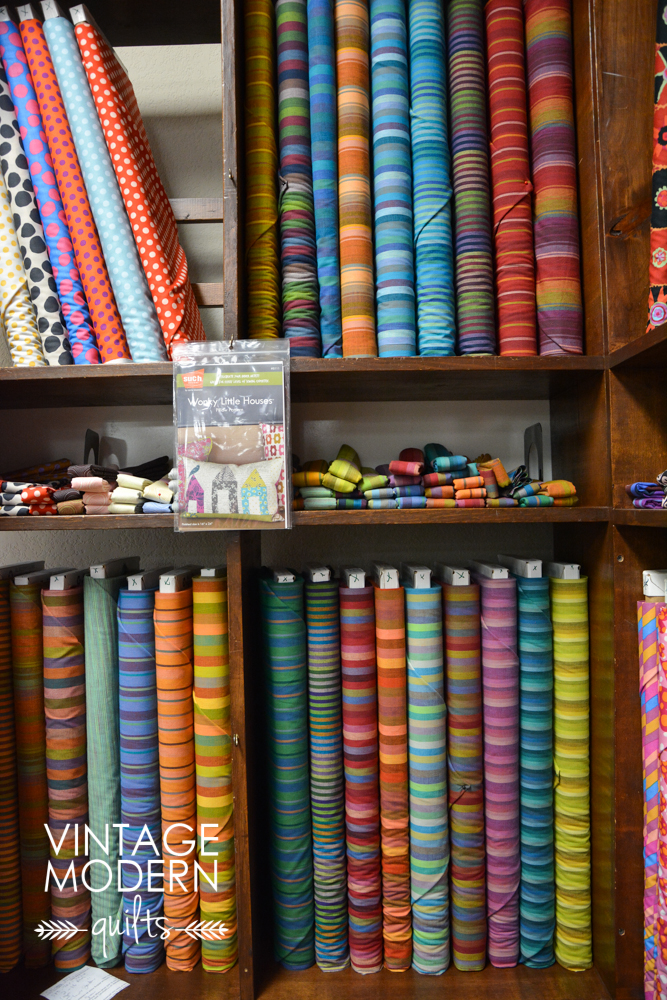
VMQ-Share-the-Love-largeI’ve been trying to clean out my sewing room and scale back my fabric (and crafts!) stash for…at least a year. I’ve given lots of unfinished projects and fabric to my guild, but I still have too much. And with my work at Moda and trips to quilt shows, etc., there is always more coming in. (At least the Moda pre-cuts are easy and pretty to store…)

I’ve used up LOTS of yardage making quilt backs and bindings for all of my WIPs, and I even did a few de-stash sales on Etsy. (That is not fun. Taking photos, writing listings, answering questions, mailing packages – not for me. I also accidentally switched two packages so one went to Australia and the other went to Canada. UGH!) I’ve come across a lot of quilters via Instagram and an idea came to me yesterday…why not share my stash with someone who is just starting out? I didn’t pay full retail for most of my stash thanks to sales and buying wholesale (back when I used to make and sell quilts at craft shows) so why not just give it away? The important thing to me is that it’s going to someone who will use it. I easily filled up three medium flat rate boxes with fabric and they are all set to go to new homes. Yay! It makes me happy to think someone else will finally use that fabric, and it’s a relief to make some more room on my shelves. I’m going to keep a box in my sewing room and add stuff to it each time I make a project.

Photos

If you feel inspired to give away some of your excess stash or if you’d like to receive some fabric, join this  Flickr group. I imagine there will be more seekers than givers, but maybe I’ll be surprised.

Project Life Freebies + Mini Tutorial

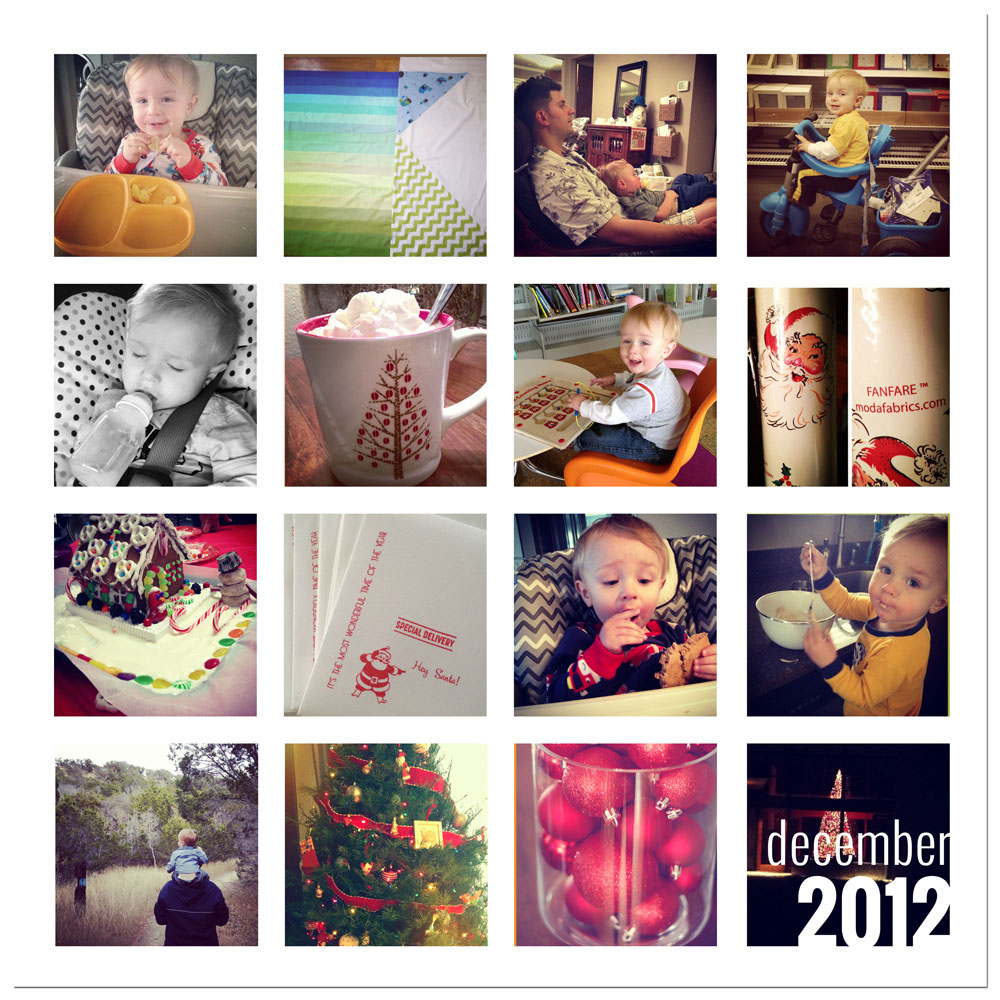
I’m adding month in review pages to my 2013 Project Life album, and I thought I’d share my template with you. I’ll use 8.5×11 in 2013, but I’m going back and adding these to 2012 as well, but in 12×12 format. I’ve sized these at 2.5″ square so they’re perfect for Instagram photos. Here’s my December 2012 page:

{front}

2012-12-00-for-web

It will print with a white border, FYI.

I used Photoshop Elements (PSE) to create these files and you will need PS or PSE to use them. It’s super easy to do.

1. Download files using links below and open in PS/PSE.

2. Open the photos you want to use (12 photos for 8.5×11 size, 16 photos for 12×12 size).

3. With the template open in your workspace, drag the first photo from the Project Bin onto the template.

4. Move the photo layer just above the clipping mask layer where you want it to go. With the photo selected, go to the Layer menu and select Create Clipping Mask  (or click Control + G on a PC).

5. Resize the photo as desired. Repeat for all photos. Save as high resolution jpeg for printing (note: turn off the text layer for the back if you don’t want it to show). Voila!

8.5×11 template | click image to download

VMQ-8.5x11-instagram-prv

12×12 template | click image to download

VMQ-12x12-instagram-prv